
Running & saving
Test your game whenever you like, and keep the moments that matter.
Running your game
Press Run. Builder Lab checks your game, then plays it right there in your browser — exactly as it would run on a real mebobox.
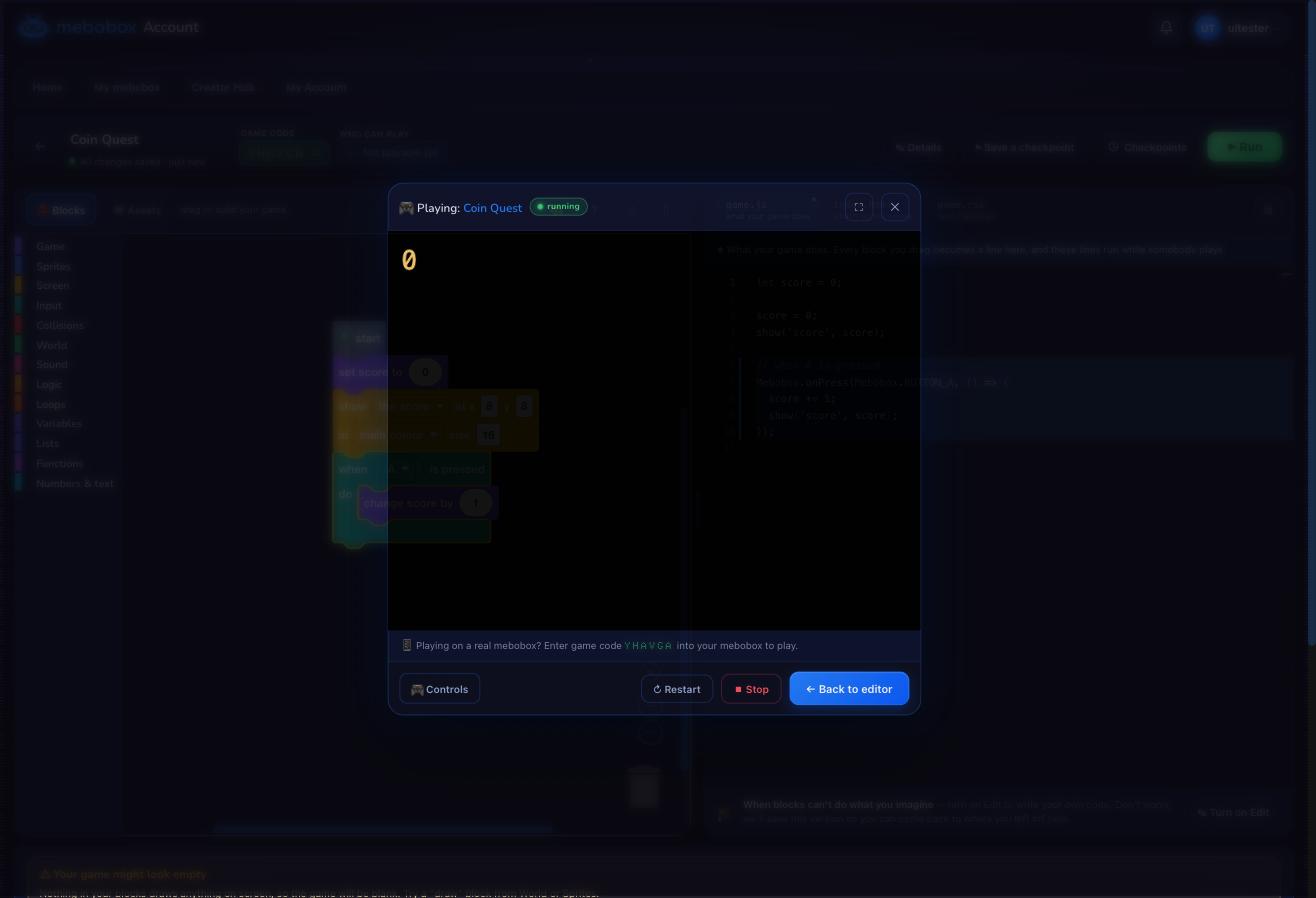 Your game, playing in the browser. Your keyboard stands in for the mebobox controller while you test.
While you test in a browser, your keyboard pretends to be a mebobox controller. Press Controls in the play window to see which key is which button. On a real mebobox, of course, players just use the buttons.
If something in your game isn’t quite right, Builder Lab tells you in plain words — like which block isn’t joined on yet — and often points straight at it. Nothing gets published or shared until you’re happy.
Saving, keeping, and going back
Builder Lab saves your game by itself, all the time — you never have to remember to. Press Save whenever you like too: it saves right now, and shows you Saved ✓.
Some moments are worth more than that: the player can jump, the coins work now. For those, press ⚑ Keep and give it a name. A kept save stays for good, and Your saves (the clock button) lists everything — press it any time to see them, and go back to exactly how your game was then. It’s your safety net — experiment freely, knowing you can always return.